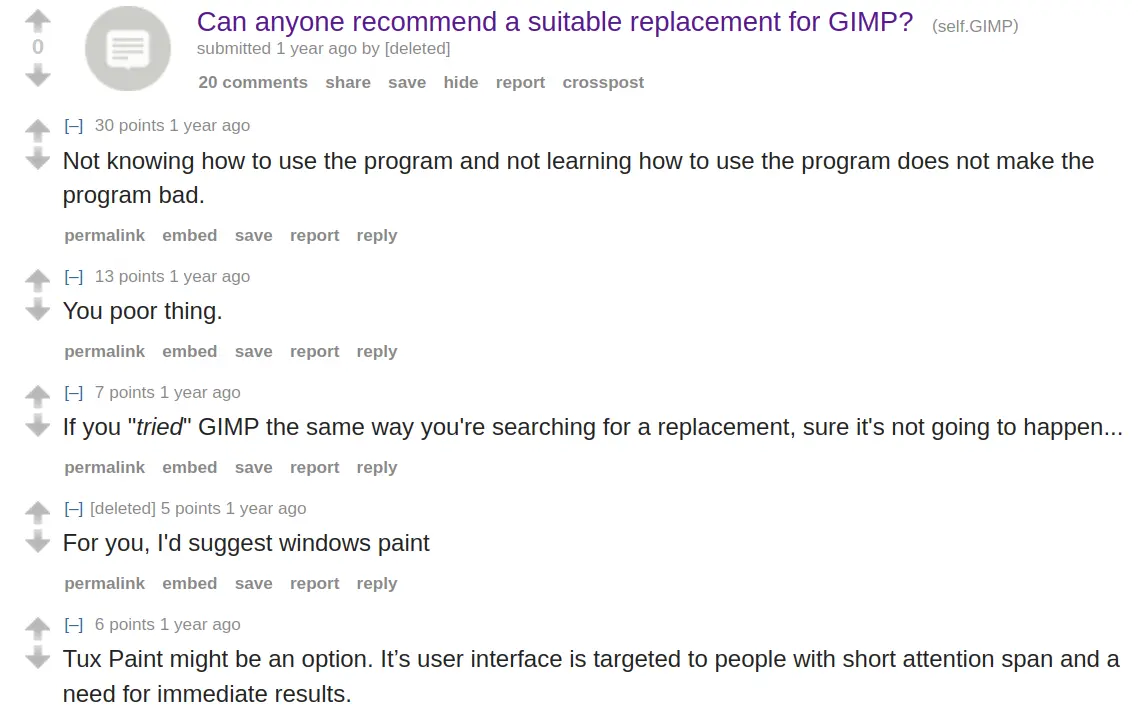
alyth@lemmy.world to linuxmemes@lemmy.worldEnglish · 2 years agotoxic help forumlemmy.worldimagemessage-square294linkfedilinkarrow-up1883arrow-down143
arrow-up1840arrow-down1imagetoxic help forumlemmy.worldalyth@lemmy.world to linuxmemes@lemmy.worldEnglish · 2 years agomessage-square294linkfedilink
minus-squarealyth@lemmy.worldOPlinkfedilinkarrow-up14·2 years agoI am using 2.99.18 (non release, unstable build). Non destructive editing has landed. You can make adjustments through the usual menus and then enable/disable the adjustment under layer effects.
minus-squarealyth@lemmy.worldOPlinkfedilinkarrow-up4·2 years agoOHH it even works with text layers!!! you can finally add drop shadow to a text without discarding the text information! ;A:


I am using 2.99.18 (non release, unstable build). Non destructive editing has landed. You can make adjustments through the usual menus and then enable/disable the adjustment under layer effects.
Wow, that’s greate!
OHH it even works with text layers!!! you can finally add drop shadow to a text without discarding the text information! ;A: