

EDIT: v0.9 released
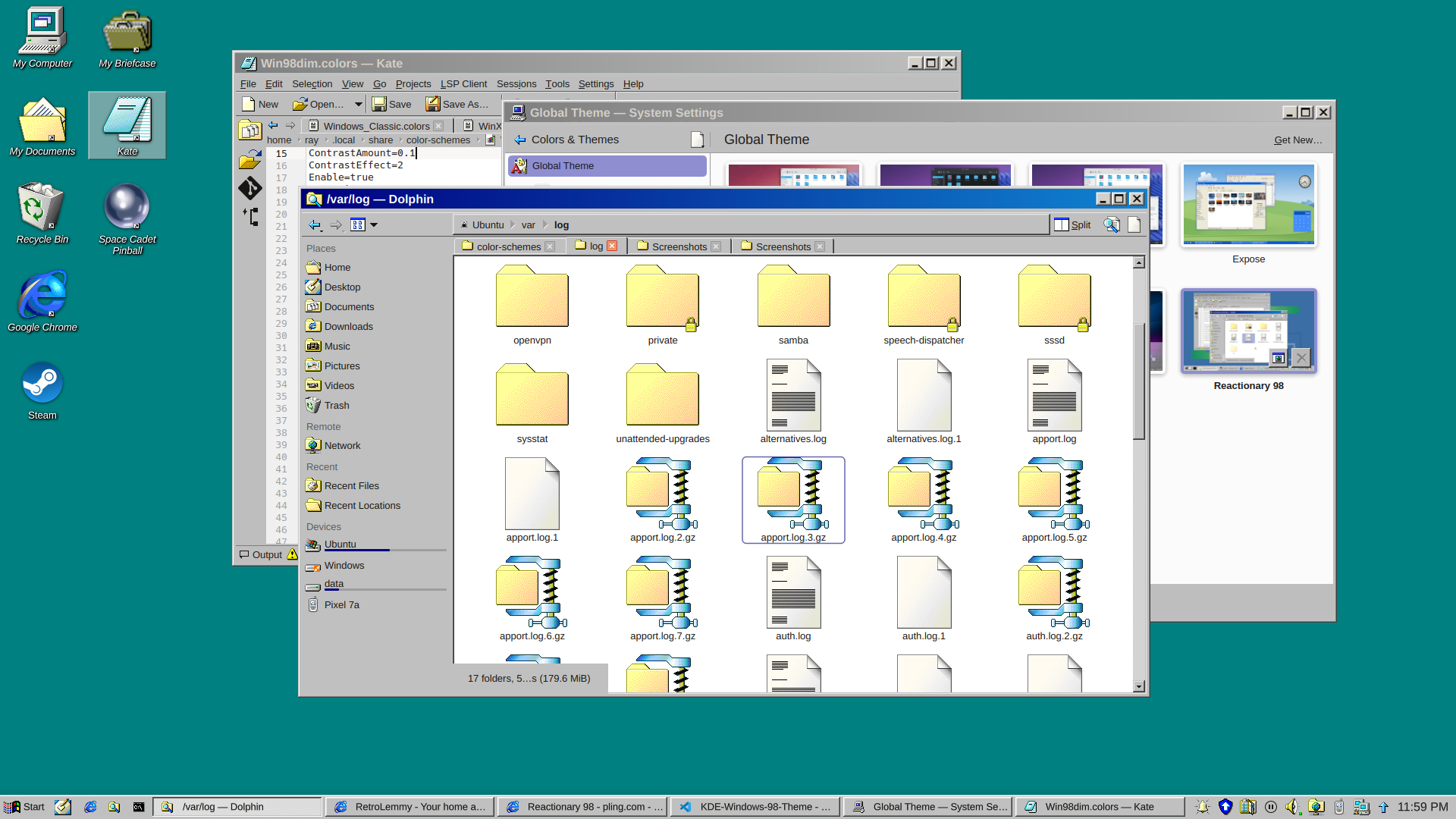
and a dark version
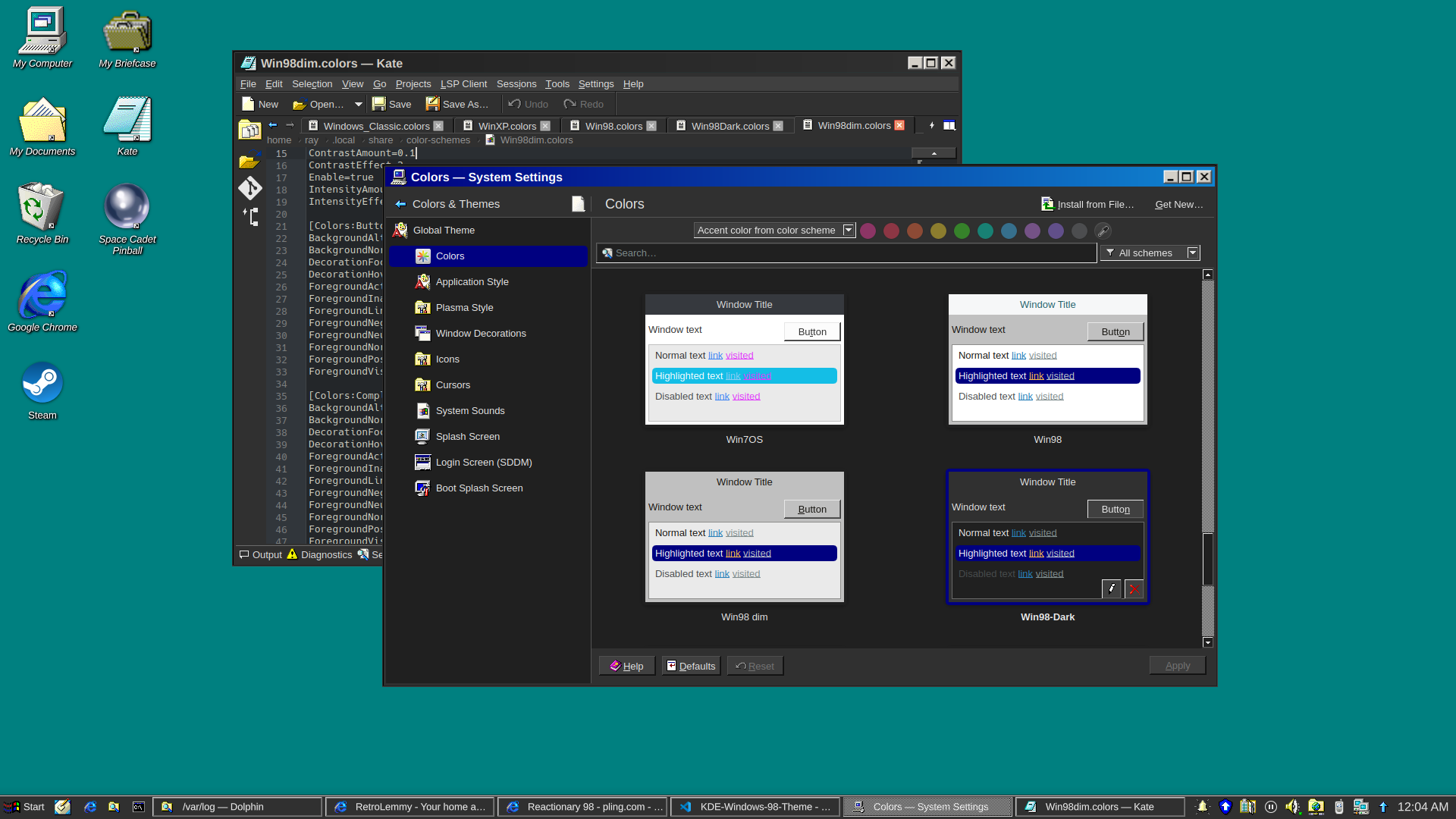
I really just put a bunch of pieces together. Forked from Reactionary Plus, but swapped out the icons, cursors, window decorations, color scheme, and made some slight tweaks to the layout.
More screenshots and changelogs here: https://store.kde.org/p/2330858
To install this, open System Settings, go to Colors & Themes -> Global Theme. In the top right there’s a button for “Get New…”, wait for it to load (it’s very slow) then search for reactionary, and wait again, then install Reactionary 98.
This is my first time messing with any of this stuff, it was a bit janky lol.
Dark theme is hard to read in a brightly lit open office with sunshine. Your pupil contracts and then dark stuff become really hard to make out, especially interfaces where they have blue in black.
Thankfully my GNOME desktop has a toggle of light dark that is super accessible, and I can swap as the lighting conditions change in my office.